Designing the Perfect Birthday Invitation Card in Photoshop
Crafting a memorable birthday invitation card is an art form that can make your special day even more meaningful. Whether you’re celebrating a milestone or just want to create a personalized touch, the right design can set the tone and get your guests excited. In this article, we’ll explore the steps to designing a birthday invitation card using Photoshop, and showcase how BirthdayBlooms can assist you in bringing your vision to life.
Choosing the Right Template
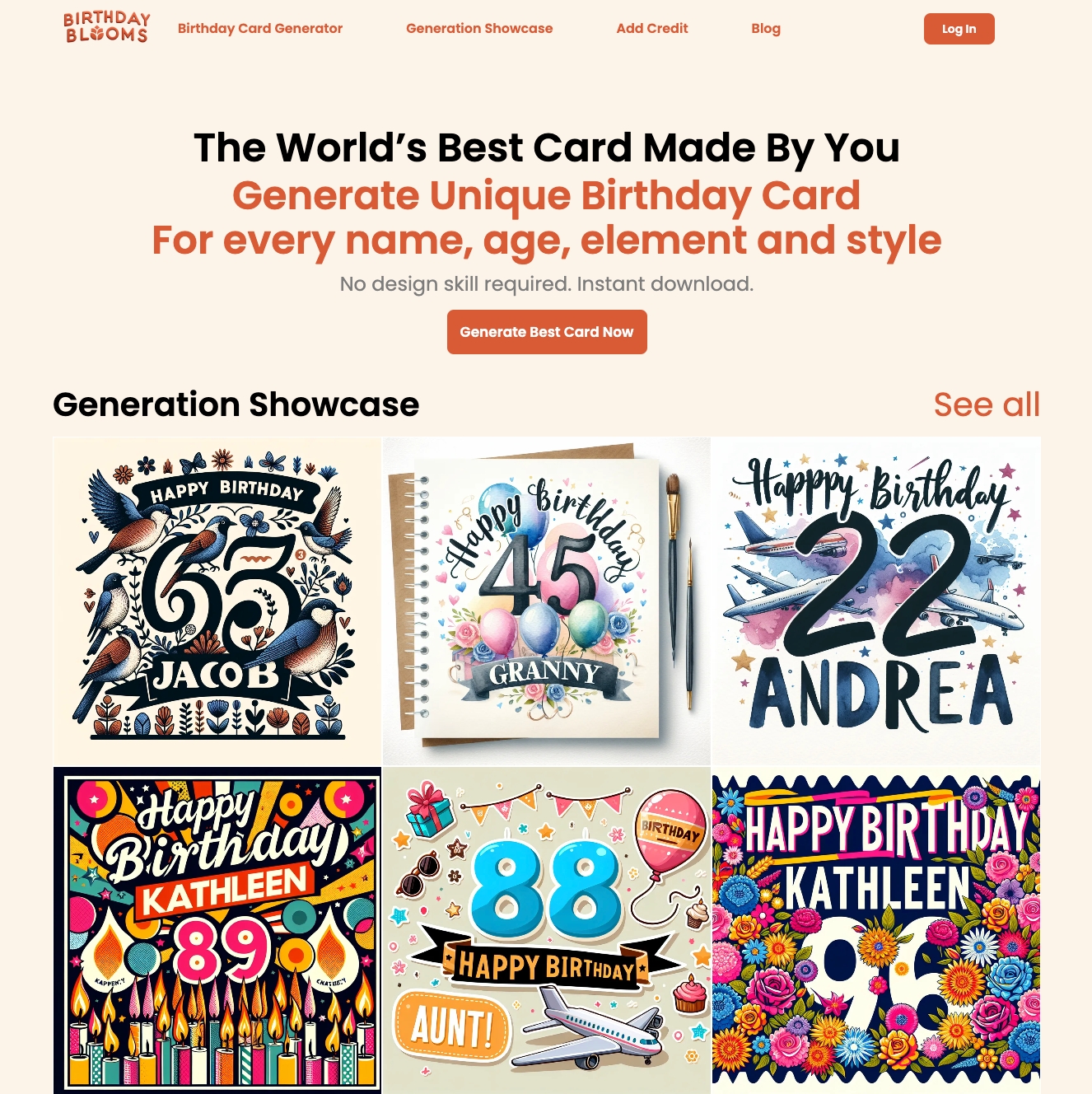
The foundation of a great birthday card starts with finding the perfect template. BirthdayBlooms offers a wide variety of customizable templates that cater to different styles and themes. From elegant floral designs to playful, whimsical motifs, you’re sure to find an option that resonates with you and your birthday celebration.
Personalizing the Design
Once you’ve selected your template, it’s time to make it your own. Photoshop provides a powerful suite of tools to help you personalize your birthday invitation. You can incorporate your own photos, adjust the colors to match your party’s aesthetic, and add thoughtful details like handwritten calligraphy or custom illustrations.
Conveying Your Message
The text you include on your birthday invitation is just as important as the visual elements. Craft a message that sets the tone for your celebration, whether it’s a heartfelt expression of gratitude, a humorous quip, or a simple, elegant statement. BirthdayBlooms’ templates offer a range of pre-written messages to inspire you, or you can compose your own unique content.
Bringing It All Together
As you finalize your birthday invitation design in Photoshop, consider the overall balance and flow of the card. Ensure that the layout is visually appealing, with elements like text, images, and graphics complementing each other seamlessly. BirthdayBlooms’ design experts can provide guidance and feedback to help you create a polished, professional-looking invitation.
Sharing the Excitement
Once your birthday invitation card is complete, the final step is to share it with your loved ones. BirthdayBlooms makes it easy to download your design and distribute it digitally or print it at home. Your guests will appreciate the personal touch and feel the excitement of your upcoming celebration.
In conclusion, designing a birthday invitation card in Photoshop can be a rewarding and creative process. By leveraging the tools and resources available at BirthdayBlooms.com, you can craft a one-of-a-kind invitation that sets the stage for a truly memorable birthday experience. So, why wait? Start designing your perfect birthday card today!